Eric Jorge Seguí Parejo
What is Ghost?
Ghost is a Node.js-based CMS for building blog-style websites. Ghost lets users manage and display their blog posts efficiently, using the Ghost Content API to access and list those posts. Its loading speed stands out compared with other CMSs. Ghost makes it easy to create and manage each blog post, letting you configure and retrieve them through its Content API. It offers features such as subscriptions, newsletter sending and content monetisation, but it lacks other very fundamental ones.
Ghost does not have as large a community or as much support as WordPress. Nor does it have its own comments or search features, although these can be added through integrations with external apps.
These integrations are either paid or free with low limits, which makes the final product much more expensive and complicates life for its customers (from my experience and point of view).
I admit I quite like the CMS itself because of its speed, but for everything you need someone with development skills (if you have them, as I do, that is money you save).
Let’s look at a few aspects of this interesting CMS. I’ll explain some pros and cons, since I have been there and back. I was on WordPress, then on Ghost, and finally I went back to WordPress.
Why I switched to Ghost
If you are wondering whether this blog is built on Ghost or not, I can confirm up front that it is (it was built on Ghost). The reason I switched from WordPress to Ghost was simply speed.
And the reason I went back to WordPress was the need to experiment and try out new digital marketing strategies. On Ghost, costs rose sharply with external products and constant integrations, which forced me to change CMS.
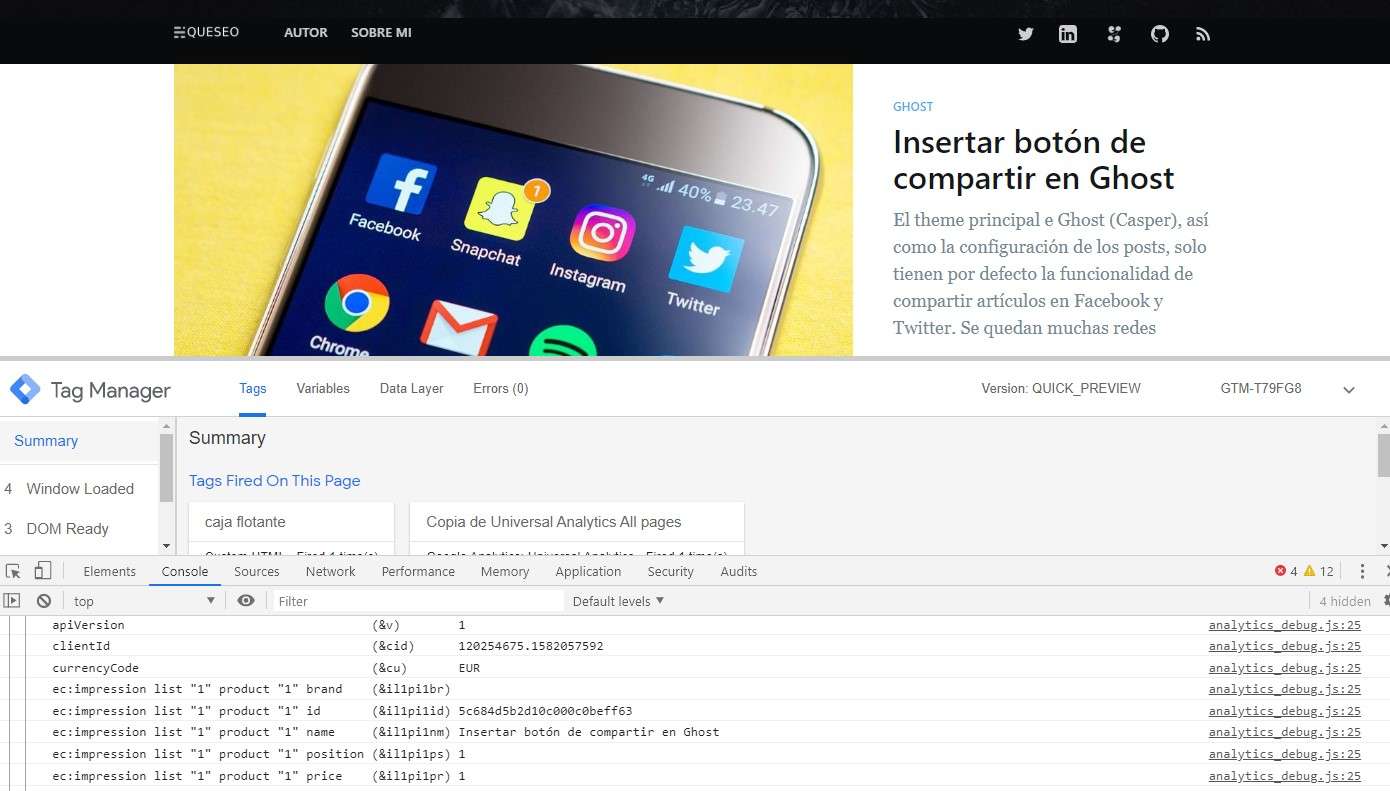
In terms of WPO, here is a screenshot of what Ghost looks like speed-wise and why I loved it:

And now here is a screenshot of how it looks on WordPress:

I need to get my hands on the WordPress theme code. I think that with a few tweaks I could improve it.
For these speed tests, I should point out that Ghost is at its base setup with tracking pixels, whereas WordPress has the pixels plus some WPO and SEO plugins.
To top it off, in Search Console we can see the page response time metrics, and they are dreadful. You can probably guess which one is Ghost and which one is WordPress:

Since I moved the blog, the response time has literally gone through the roof, and the pages crawled have plummeted.
As for traffic, this particular blog did not get much traffic when I made the change, as it had no strategy worked on as such, which is why I have not noticed any significant change in visits.
I understand that this change is probably not due to the CMS alone; it may also be influenced by the server. Even so, I don’t think I have ever seen a WordPress site averaging under 100 milliseconds in average response time.
On the other hand, I am sure that if my project had quite a lot of traffic and visibility, visits would have dropped considerably despite keeping the URLs.
Ghost vs WordPress
Ghost currently does not have a community as large as WordPress’s, and this is where it loses quite a lot of ground.
Ghost is an efficient platform for creating and managing websites, designed especially for bloggers and content creators.
It has no installable plugins or modules; they are usually code from GitHub or repositories, so they are not official. Whatever you need, you either pay for an external tool and integrate it, or you develop it yourself.
If the Ghost community grew, it could take ground from several blog-oriented CMSs, since performance is a fundamental part for marketers and is becoming increasingly important.
Speed matters because every extra second your website takes to load not only means a possible loss of SEO rankings for our site, it can also harm the user experience, sending users off to other websites.
From my experience, what I have noticed is that year after year the community has shrunk, and although some minimal features have been added, others have also been removed, such as the ability to publish from your phone.
There used to be an app for publishing from your phone, but when the version changed it stopped being useful because they made quite big changes. Big enough to force every user to change the calls in their templates to display information and to make CSS adjustments.
These design adjustments forced me to change the theme 2 or 3 times, re-adapting it at code level. It wore me out quite a bit, as it meant spending a lot of working time that I could have put into other things.
Pros and cons of Ghost
After my experience with Ghost, I have just mentioned some of the pros and cons, but let’s highlight them along with a few others.
Pros
- Loading speed.
- Passes every load test with flying colours.
- Easy and intuitive to use.
- Simple configuration.
- The template code is much simpler than WordPress’s.
- Content monetisation.
- Subscriptions and newsletter.
Cons
- Lack of community and plugins.
- You will need to touch code for the slightest thing.
- If you can’t code, you will need a developer.
- Fairly limited functionality.
- Very high costs.
SEO on Ghost
Ghost has some limitations when it comes to SEO and forces you to adapt, but its speed more than makes up for all of this (I have never seen a faster site in my life, and I must say I loved that).
That said, there are some things to improve in terms of technical specifications such as indexing, canonicals and, if I remember rightly, hreflang.
Content on Ghost
Creating content within the platform is quite easy.
I could perhaps do with a few more blocks, which makes design harder (it is not like other visual builders such as Gutenberg or Elementor), but it is quite intuitive for the user and very easy to work with.
Examples of websites built on Ghost CMS
On its official page you can find several fairly well-known websites built on this CMS, all from fairly large companies with substantial revenue:
- OpenAI
- DuckDuckGo
- Unsplash
- Buffer
- Airtable
- Revolut
- Cloudflare
- Codeacademy
- Geckoboard
For example, Quillete, an online magazine based in Australia, uses Ghost to manage its content and digital presence.
Not all of these sites are built on Ghost, but their blogs are.
Conclusions about Ghost
If you are wondering whether or not to use the Ghost CMS, my advice is that if you need lots of features, go straight to WordPress. If you are a WPO geek and want your site to be super fast, I recommend trying Ghost and experimenting with it.
At the moment it seems that in the world of digital marketing there is no vision beyond PrestaShop and WordPress. I think we need to step outside this bubble and get to know new technologies that help us move forward, and I believe Ghost could well be one of them, if it made it easier to add features.
Along these lines, another interesting JS technology that is very fashionable is Notion. Although I haven’t built a website with it, I know it can be done. If you want to look into this technology further, I recommend following Miriam González on social media, who is the very best person I have seen so far working with Notion.
So, in a nutshell, if you have money, have development resources and want your website to be ultra fast, Ghost.
If you need features quickly and don’t have much of a development budget, WordPress.
But I always recommend that you experiment and test, so you can form a clearer judgement and choose what to work with.

Technical SEO consultant in Valencia for more than 16 years. Speaker and organiser at WordCamp Valencia and author on the Semrush and Publisuites blogs. More about me